


ScalperIntel
Liquidity Swings
Liquidity Swings
Up to 2
machines per license
- Instant download after checkout
- Lifetime updates included
- NinjaTrader 8 compatible
- Direct support from the team
Enter it to unlock an offer.
Your offer is on its way.
We've emailed your offer. Check your inbox (and spam) for the link to get started.
Couldn't load pickup availability
Overview
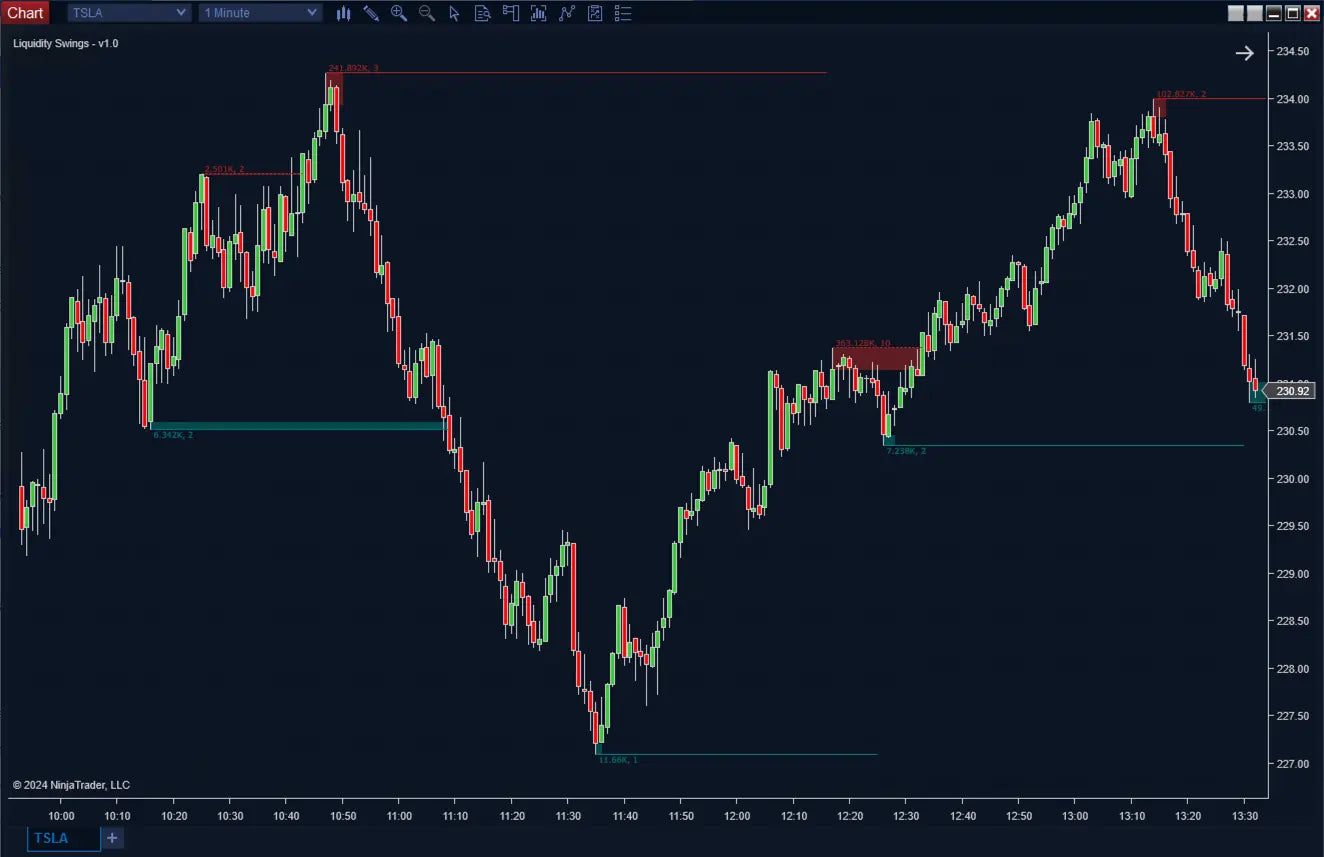
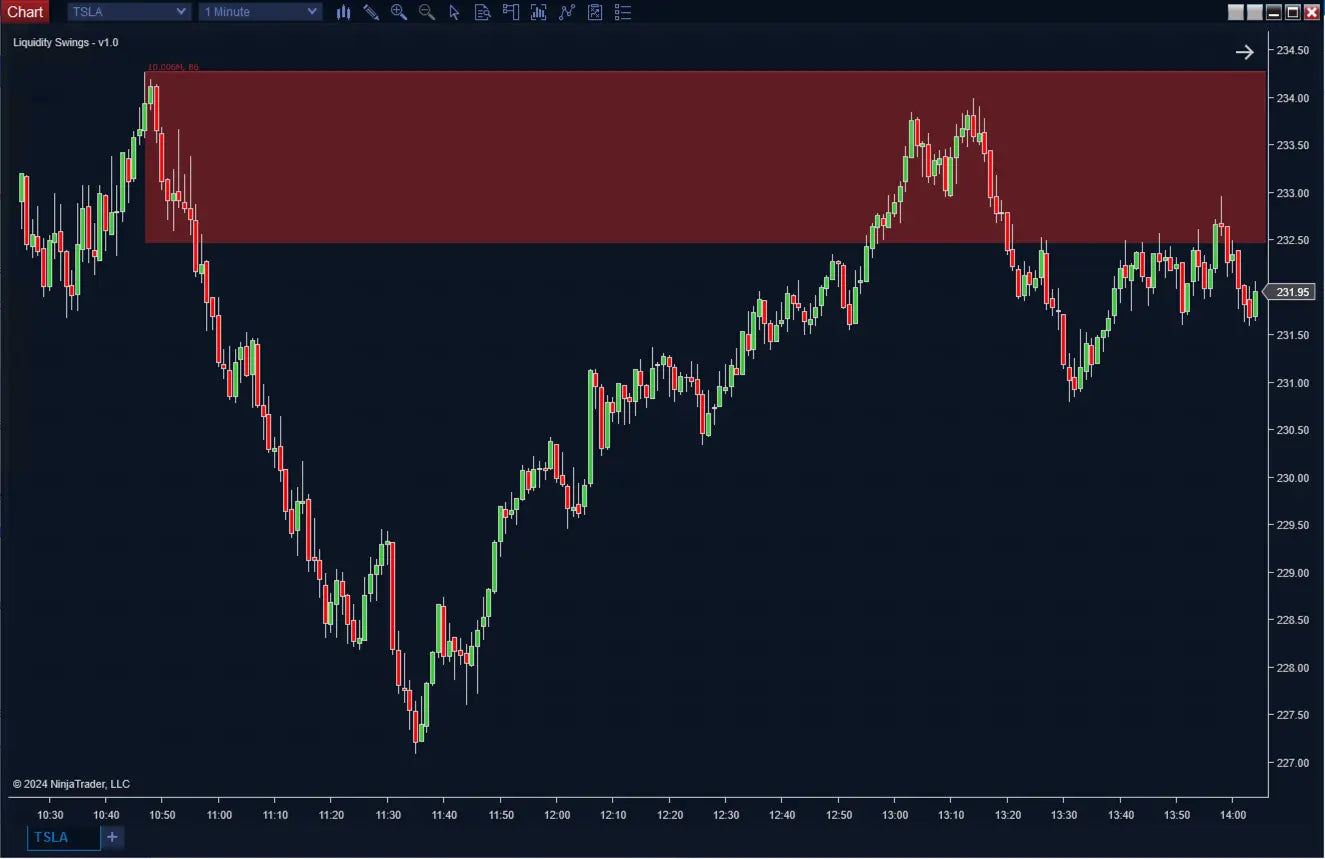
Liquidity Swings for NinjaTrader 8 — identifies high-impact swing points where liquidity accumulates, then enhances them with volume profile analysis, retest tracking, and higher timeframe validation — turning simple swing structure into high-confidence trading zones.
Built for ICT traders mapping external liquidity. Non-repainting after pivot confirmation, automation-ready, Strategy Builder compatible.
What Makes It Different
Trading Concepts You'll Use
- External liquidity (ICT)
- Buy-side / sell-side liquidity zones
- Volume profile analysis
- Retest strength validation
- Pivot-based market structure
- Higher timeframe alignment
Features
Core Detection
- Liquidity-Based Swing Detection: Configurable lookback identifies swing highs and lows on chart.
- Volume Profile Integration: Buy volume, sell volume, total volume, or delta (buy minus sell) at each swing.
- Retest Strength Validation: Tracks every revisit — more retests = stronger liquidity zone.
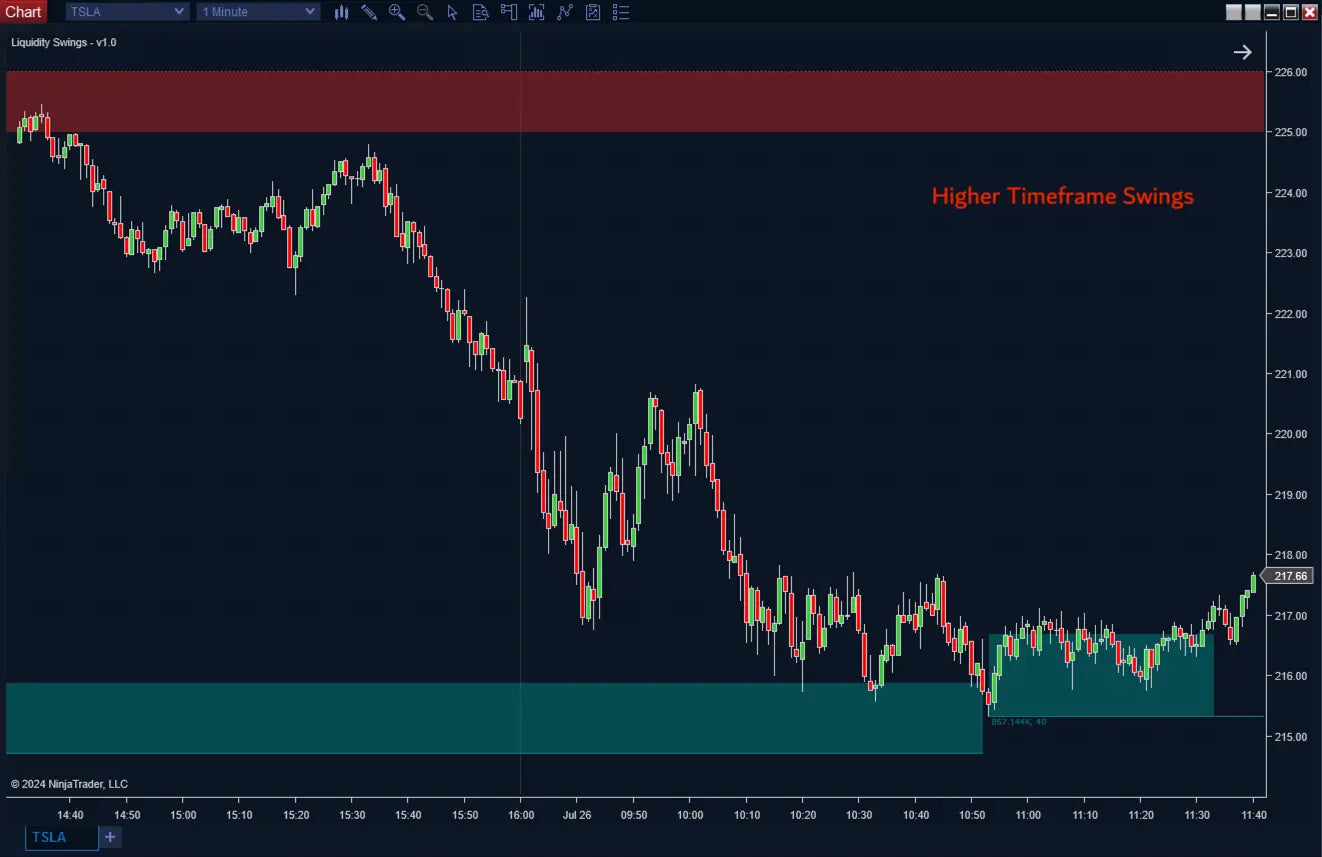
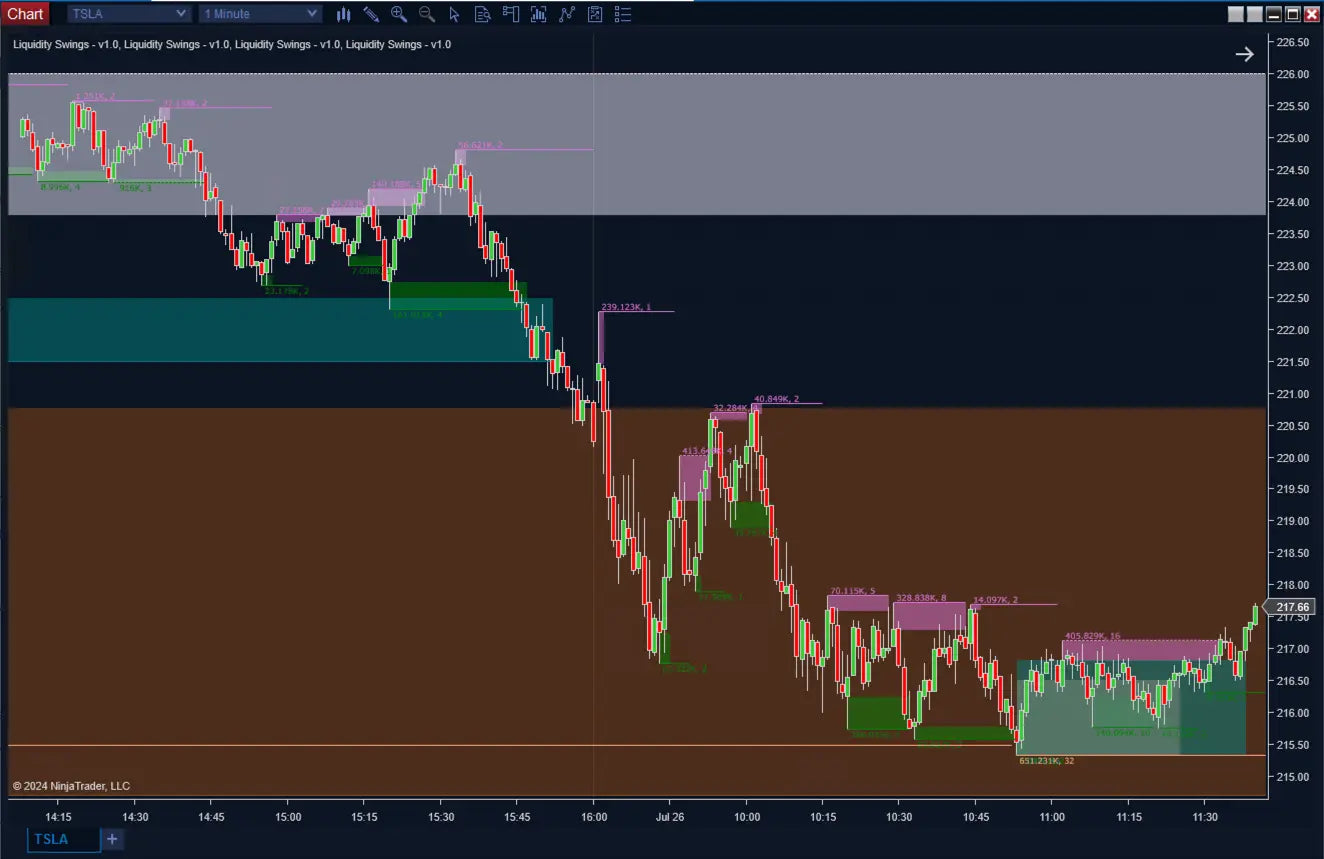
- Higher Timeframe Mode: Identify swings on HTF, calculate volume from LTF precision.
- Wick or Full-Candle Zones: Wick zones for rejection-focused setups, full candle for structure-focused.
- Broken Level Tracking: Swept levels become dashed lines — instant visual feedback on bullish/bearish shifts.
Automation & Pro Tools
- Hidden Plots: Last swing high/low price, volume at swing points, and retest counts all exposed for Strategy Builder.
- Advanced Filtering: Filter by minimum volume or minimum retest count — focus only on high-probability zones.
- Backtest-Ready: Swings confirmed after pivot formation — reliable for systematic strategies.
- Confluence-Friendly: Pair with SFP, IFVG, and Order Blocks for layered confirmation.
How It Compares
How this stacks up against standard swing indicators on the market.
| Feature | ScalperIntel | Standard Swing Tools |
|---|---|---|
| Volume Analysis | ✔ Integrated per swing | ✖ None |
| Retest Tracking | ✔ Yes | ✖ No |
| Liquidity Focus | ✔ Yes | ✖ Basic swings only |
| HTF + LTF Hybrid | ✔ Advanced | ✖ Limited |
| Repainting | ✔ Non-repainting | ⚠ Varies |
| Automation | ✔ Strategy Builder | ⚠ Limited |
Compatibility
Platform Support
- NinjaTrader 8 — Latest stable build. Works across all NT8-supported instruments with volume data.
- Strategy Builder — Swing prices, volume data, and retest counts all exposed for full automation.
- BloodHound — Integrate liquidity zones with BloodHound logic packs.
- Blackbird — Strategy chains supported.
Reliability & Trust
- ✔ Swing points confirmed after pivot formation — no forward-looking repainting
- ✔ Reliable historical analysis and Strategy Builder automation
- ✔ Works best on instruments with reliable volume data (futures, equities, liquid forex)
- ✔ Continuously updated — bug fixes and new features included with every Lifetime License
FAQ
How is this different from a normal swing high/low indicator?
A normal swing indicator just marks pivot points. This one adds volume measurement inside each swing, tracks how many times price revisits the level, and lets you filter out low-quality zones — so the swings you see actually matter.
What does the retest count tell me?
How many times price has revisited that swing level since it formed. More retests means the level is being respected by the market — a stronger zone for entries, exits, or stop placement.
What's the difference between wick and full-candle zones?
Wick zones use only the wick portion of the swing candle — best for rejection-style setups. Full candle zones use the whole candle range — better for structural levels. Pick what fits your style.
Does it repaint?
No. Swing points are confirmed after pivot formation — once a swing is locked in, it doesn't change retroactively.
Can I automate this?
Yes. Last swing high/low, volume data, and retest counts are all exposed for Strategy Builder.
Will I get future updates?
Yes — every Lifetime License includes all minor updates and bug fixes for as long as the product exists. Major version upgrades are also included.
-
License Terms
How to activatePrices shown are for a single license. Each license can be linked to one NinjaTrader User ID, allowing the indicator to run on up to two machines concurrently under the same User ID.
After you buy, you activate the license yourself in your account — it takes about two minutes.
Version minor upgrades and bug fixes are included within the lifetime license. For more license details, review Terms of Service
-
Refund Terms
7-days 100% money back guarantee when trial licenses was not offered for the customer. For more details, review Refund Policy