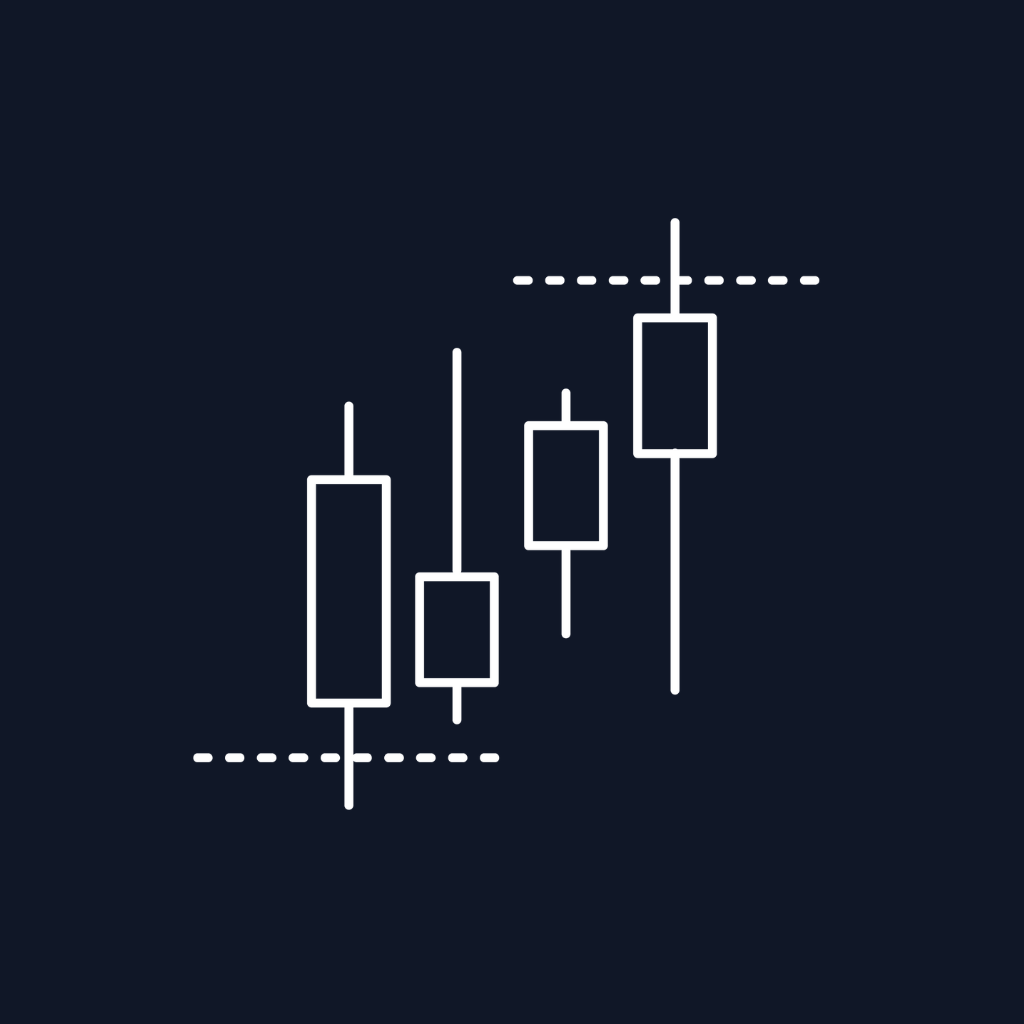

The first hour of any trading session does more work than most traders realize. It sets the day's tone. It reveals where institutional positioning is concentrated. And — when you mark it correctly — it gives you a clean, statistically robust framework for trading the rest of the session. This is the Initial Balance, and trading its breakouts is one of the oldest, most consistent edges in intraday markets.
This article covers what the Initial Balance is, why the first-hour range matters more than any other window, and how to trade IB breakouts on NinjaTrader 8 without manually marking lines on every chart.
What Is the Initial Balance?
The Initial Balance (IB) is the high and low established during the first hour of a trading session. For US equity index futures, that's 9:30–10:30 AM ET. For European futures, 8:00–9:00 AM London. For FX majors, the London open. The exact window depends on what you trade — but the principle is universal: the first hour reveals where price has agreed to transact, and any move outside it for the rest of the day is, by definition, the market rejecting that agreement.
That rejection is what we trade.
There's a reason floor traders in Chicago invented this concept decades ago. The opening hour concentrates the most order flow of the entire session: overnight positioning gets unwound, news gets digested, and the largest participants make their first moves. By the end of that hour, the market has shown its hand. Everything that follows is the reaction.
Why IB Breakouts Work
Three reasons the Initial Balance is statistically meaningful, not just folklore:
1. Liquidity is concentrated at the edges. The IB high and low are obvious reference points. Stops cluster there. Limit orders pile up. When price breaks through, it triggers a cascade.
2. Range expansion follows range compression. The IB is, by definition, a contained range. Markets that compress eventually expand. Breakouts capture that expansion.
3. The IB defines the day's character. A wide IB tells you it's a volatile, news-driven session. A narrow IB tells you it's a coil — and the breakout will be sharper. Either way, you have actionable context within the first hour.
The challenge, of course, is doing this consistently across instruments and sessions without becoming a chart-watching slave to a clock.
The Manual Way (And Where It Breaks Down)
If you've ever traded IB breakouts by hand on NinjaTrader 8, the workflow looks something like this:
- Wait for the session to open
- Watch the first hour
- Manually mark the high and low at exactly the 60-minute mark
- Add extension lines for projected targets
- Optionally add Fibonacci retracements within the IB range
- Wait for a close above the high or below the low
- Enter, with a stop on the opposite side of the IB
Now do that across ES, NQ, CL, and maybe a couple of FX pairs. Every session. Without missing the exact 60-minute mark. Without forgetting which day's IB you're looking at on Tuesday when you were focused on something else Monday.
This is why automation isn't a luxury for IB trading — it's the difference between a real edge and theoretical edge.
How ScalperIntel's IBB Indicator Works

The Initial Balance Breakout (IBB) indicator maps the first hour, projects what's next, and detects breakouts in real time — all automatically. Here's what it does at every session open:
Auto-detects the Initial Balance. By default, the IB is set to the first 60 minutes of the session — adapting automatically to whatever instrument and session you're viewing. If you trade a non-standard window (some traders prefer 30 minutes, others 90), you can override it manually with a custom start and end time.
Calculates on 1-minute data even on higher timeframes. This is a detail that matters. If you trade off a 15-minute chart, a default indicator can't see the true IB high and low — it only sees the rounded 15-minute bars. The IBB indicator has an option to compute the IB from underlying 1-minute data, so the lines you see are accurate to the tick.
Projects extensions and Fibonacci levels. Once the IB is established, the indicator draws:
- Top and Bottom Extensions — by default, half the IB range projected above the high and below the low. These act as natural breakout targets.
- Five Fibonacci retracements — 23.6%, 38.2%, 50%, 61.8%, 78.6% — drawn within the IB range. These are where pullbacks after a breakout typically reverse.
Generates statistical forecasts. This is the feature that separates IBB from every basic Initial Balance indicator on the market. The indicator computes a forecast range for the current session based on the historical relationship between the IB and the previous session's open. Two methods:
- IB Against Previous Open — averages the last 10 IB ranges' offsets from the prior session open. Simple, robust.
- Filter By Current Day Of Week — only uses historical Mondays to forecast today's Monday IB (or Tuesday, Wednesday, etc.). This is gold for instruments with weekday-specific behavior (looking at you, ES on Mondays vs. Fridays).
The forecast plots as dotted lines on the chart before the IB is fully formed — giving you a statistical expectation for where the IB will likely land.
Plots breakout signals automatically. When price closes above the IB high (or below the low) during the configured breakout window, a green or red triangle prints on the chart. No watching. No second-guessing whether a wick counts (closes are required, not just touches).
14 exposed plot values for automation. Every line — IB top, IB bottom, both extensions, all five Fibonacci levels, both forecast bounds, both breakout signals, and a master signal value — is exposed as a plot. That means NinjaTrader Strategy Builder, BloodHound, and Blackbird can read these directly to build fully automated IB breakout strategies.
How to Use It in Practice
The workflow most IBB users settle into:
1. Use auto-detection for your primary instrument. For US equity index futures, the default 60-minute window is the standard institutions use. Don't overthink it.
2. Enable 1-minute calculation if your chart is anything higher than 5-minute bars. This single setting makes the lines accurate. Otherwise you're trading approximations.
3. Trade the breakout, not the touch. The indicator fires breakout signals on closes outside the IB. That's the right discipline. Touches without follow-through are noise.
4. Use the extensions as targets, not entries. A common mistake is treating extensions like resistance and fading the breakout. They're projections of where the move can extend to — that's where you take profit, not where you reverse.
5. Use Fibonacci levels for pullback entries. After a breakout, price often retests inside the IB before continuing. The 38.2% or 50% Fibonacci is where those retests typically end. That's your second entry, not your first.
6. Use the day-of-week forecast for systematic edge. If you're trading the same instrument every day, the day-of-week forecast filter builds a powerful prior. A Monday IB that comes in much wider than the historical Monday forecast tells you something's different — that's tradeable information.
Strategy Builder & Automation
For traders building automated systems, the IBB indicator is one of the most automation-friendly in the ScalperIntel catalog. The 14 exposed plots cover:
- IB top/bottom (the boundaries)
- Top/bottom extensions (your targets)
- Five Fibonacci levels (your pullback zones)
- Forecast top/bottom (your statistical bias)
- Bullish/bearish breakout markers (your entry triggers)
- Master breakout signal value (1 = bullish, -1 = bearish, 0 = none)
Wire those into Strategy Builder conditions, and you can express any IB strategy — "enter long on bullish breakout, target top extension, stop at IB low" — without writing code. For more sophisticated logic, BloodHound and Blackbird can combine these plots with other indicators in your stack.
Common Mistakes to Avoid
- Marking the IB at the wrong time. The default session in NinjaTrader sometimes differs from the regular trading hours definition for your instrument. Always verify the IB window matches the session that actually has volume, not the technical session start.
- Trading every breakout. Some sessions are mean-reverting. If the IB is narrow on a quiet news day, expect a fake breakout. The day-of-week forecast helps gauge whether this session is "normal" or unusual.
- Ignoring the extensions as targets. Traders often hold past the extension hoping for more. The half-range extension is statistically where most successful breakouts run to. Take partial profits there.
- Skipping the forecast. The forecast lines aren't decoration. They're a probability cone. If price is already trading near the forecast top when the IB closes, the breakout potential is limited — that's a smaller-position-size signal.
Frequently Asked Questions
What timeframe should I use the IBB indicator on?
Any. The IBB indicator works on all chart timeframes from 1-minute to daily. Enable the "Calculate With 1 Minute Data" option for accurate IB levels on timeframes higher than 5-minute.
Does the indicator work outside of US equity index futures?
Yes. The auto-detection adapts to whatever session your chart is set to, so it works on FX, crypto, commodities, and international futures — anywhere there's a defined session open.
What's the difference between the two forecast modes?
"IB Against Previous Open" averages all historical IBs against the prior session open. "Filter By Current Day Of Week" only averages historical IBs from the same weekday — useful for instruments with day-of-week patterns (ES tends to behave differently on Mondays vs. Fridays, for example).
Can I customize the Initial Balance window?
Yes. The default is the first 60 minutes of the session, but you can set any custom start and end time. Some traders prefer the first 30 minutes for sharper signals, others use 90 minutes for broader context.
Can I automate IB breakout strategies with this indicator?
Yes. The indicator exposes 14 plot values that Strategy Builder, BloodHound, and Blackbird can read directly. The master breakout signal (1 for bullish, -1 for bearish) is the cleanest entry trigger for automated systems.
Wrapping Up
The Initial Balance has worked for floor traders since the 1980s and continues to work for screen-based traders today, because the underlying logic doesn't change: the first hour reveals where the market has agreed to transact, and breakouts of that range are the market revising that agreement. What changes is how efficiently you can trade it.
The ScalperIntel IBB indicator handles the marking, the extensions, the Fibonacci levels, the statistical forecast, and the breakout detection automatically — across any instrument, any session, with full Strategy Builder support. If you're trading session opens on NinjaTrader 8 and you've felt the friction of doing this by hand, it's worth a look.
Explore the Initial Balance Breakout indicator →
Trading futures, forex, options, and other leveraged instruments carries substantial risk and is not suitable for every investor. Past performance is not indicative of future results.